Adamo Store
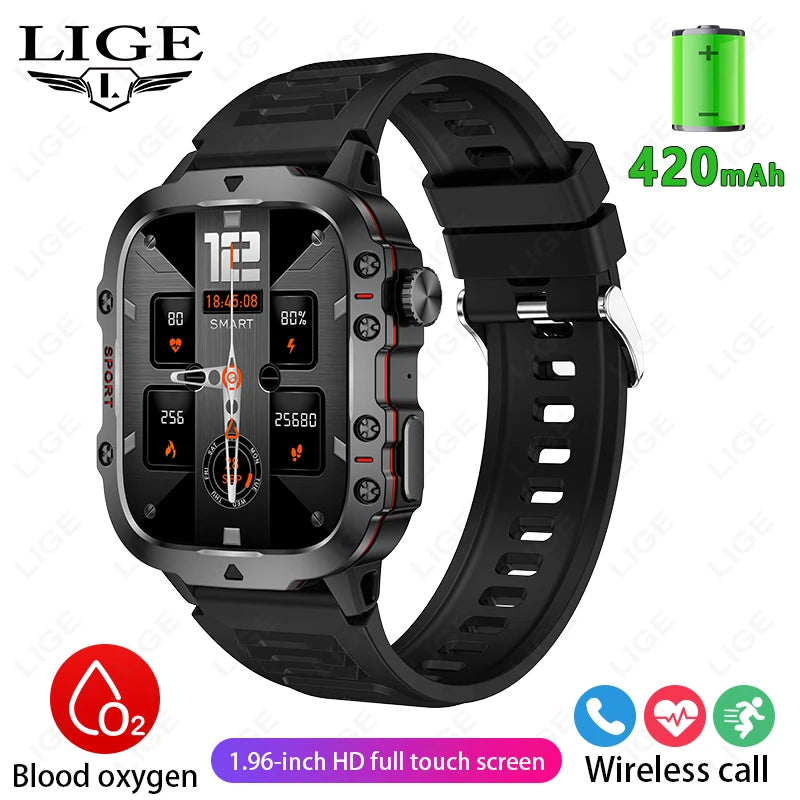
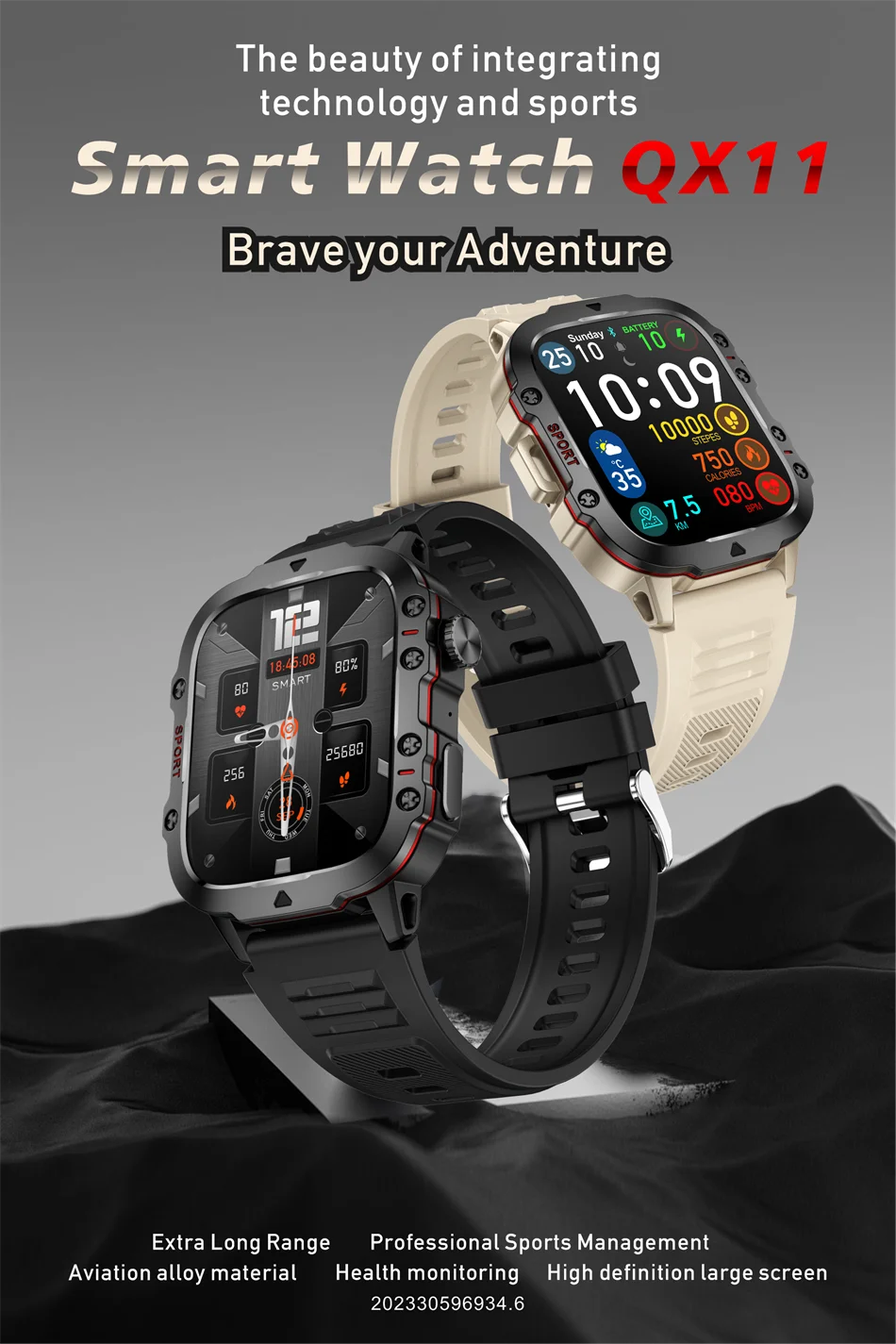
Montre connectée pour homme LIGE
Montre connectée pour homme LIGE
Prix habituel
€45,15 EUR
Prix habituel
€90,29 EUR
Prix promotionnel
€45,15 EUR
Taxes incluses.
Frais d'expédition calculés à l'étape de paiement.
Quantité
Impossible de charger la disponibilité du service de retrait
Paramètres du produit :
Application : gloryFit
Bluetooth : BLE5.2
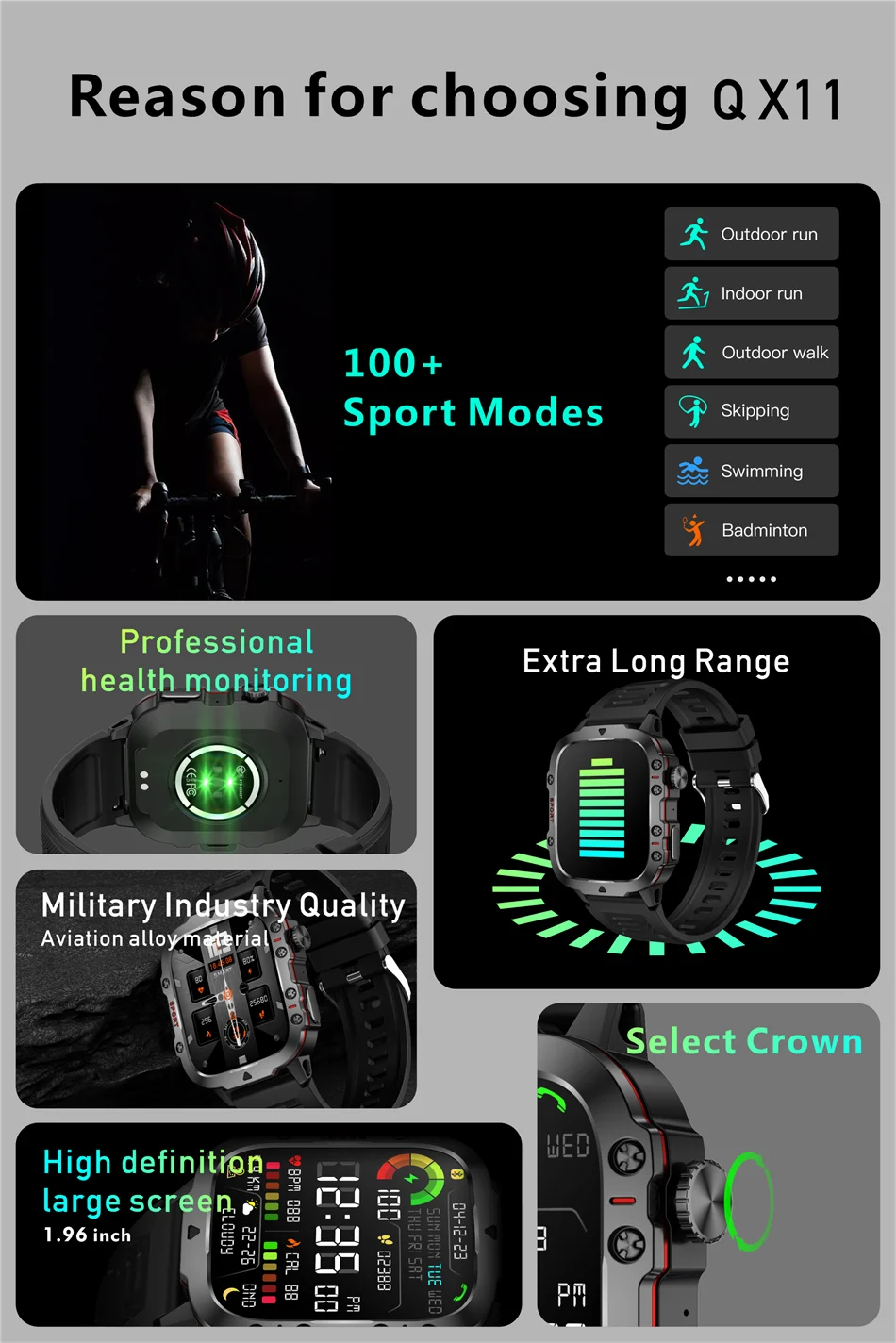
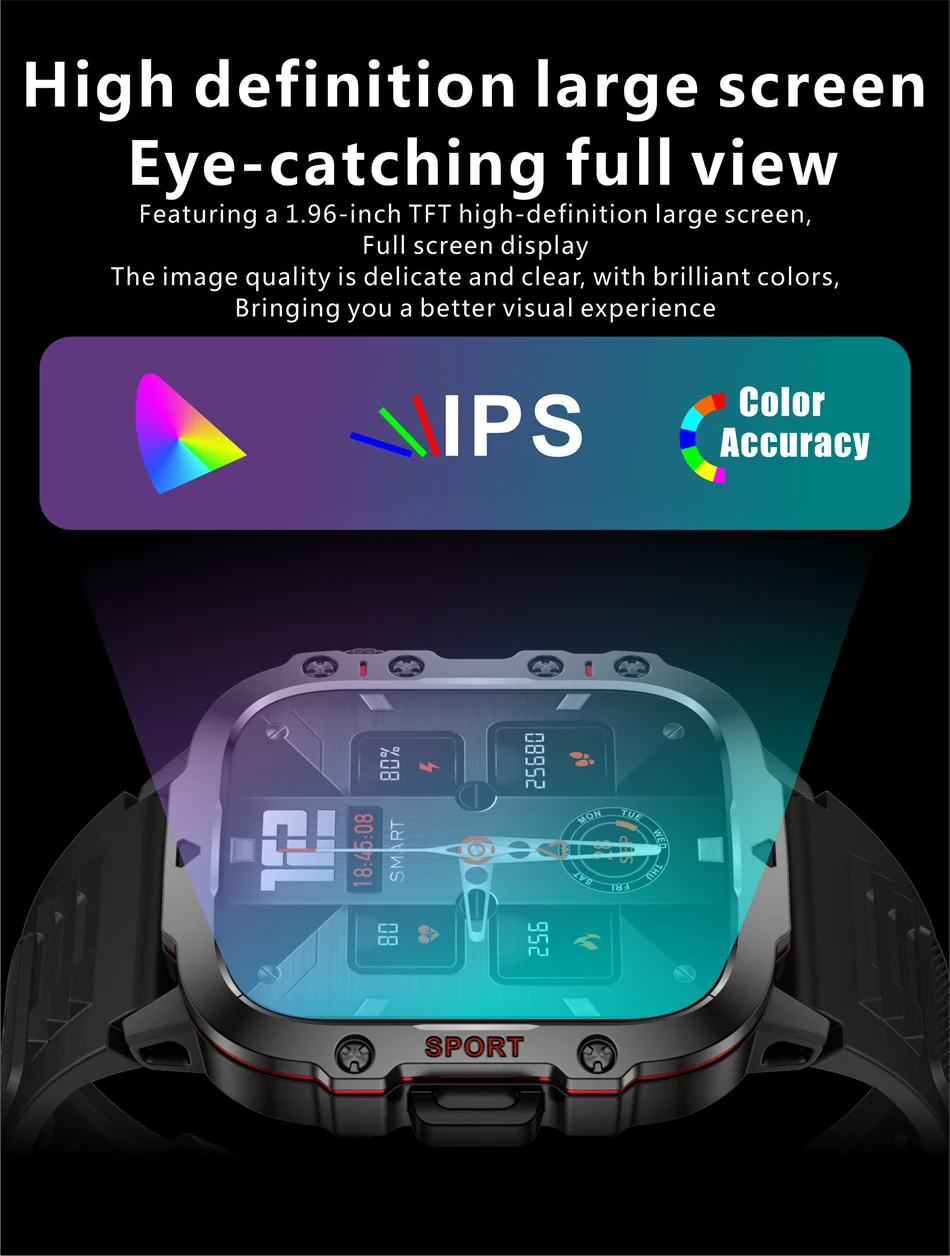
Taille de l'écran : 1,96 pouces
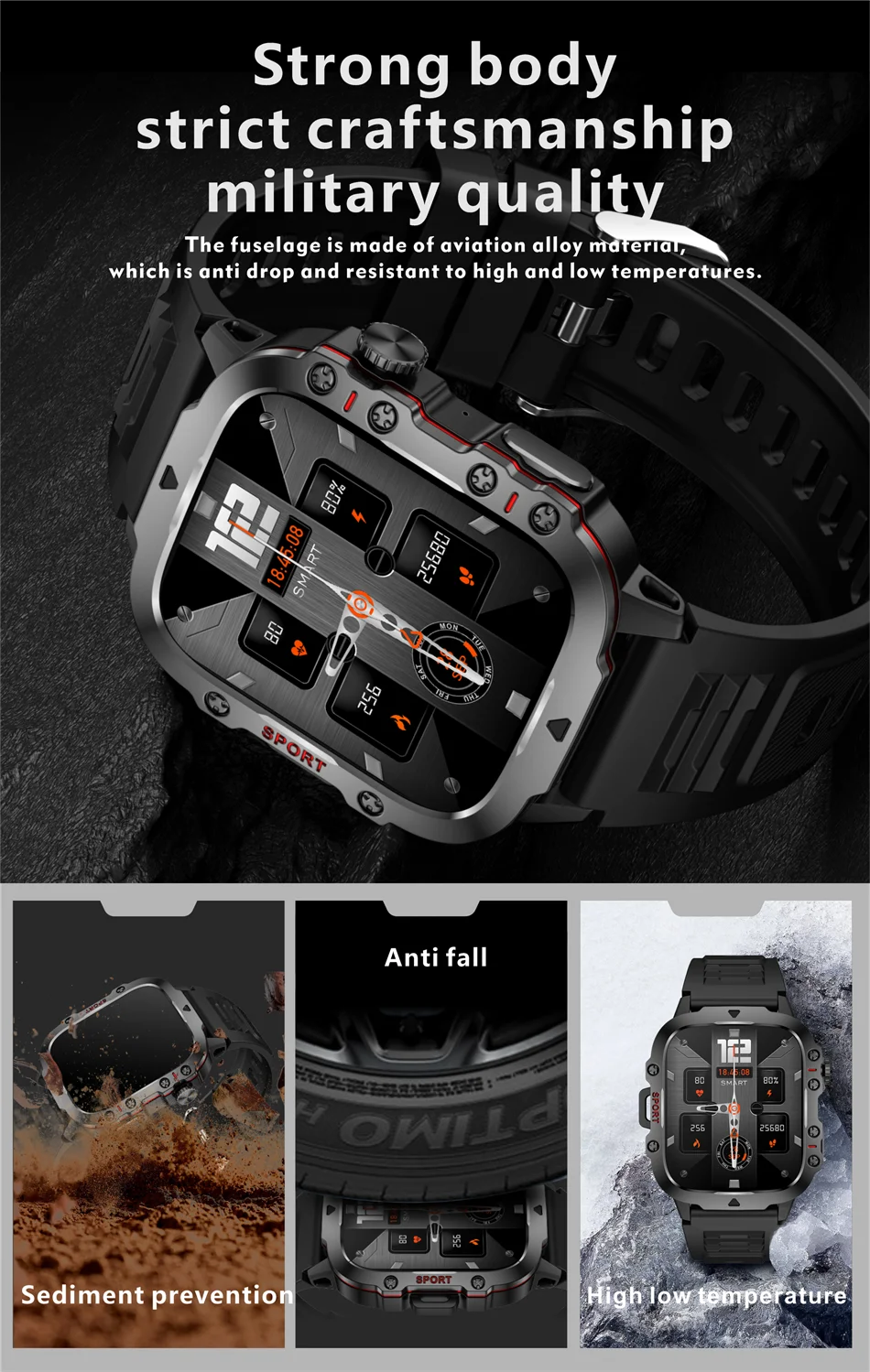
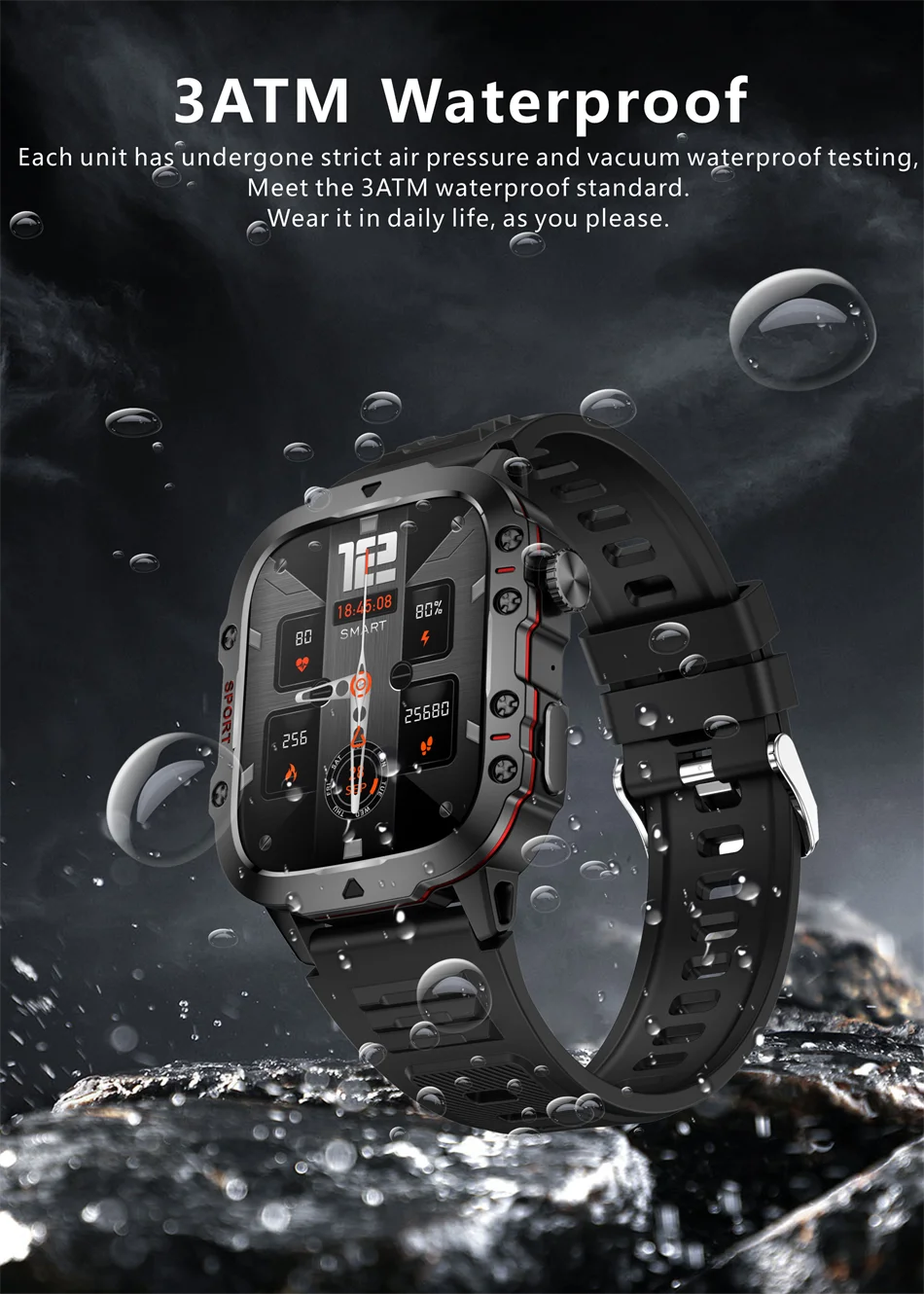
Niveau d'étanchéité : 3ATM
Résolution : 240*282 pixels
Écran tactile : écran tactile intégral
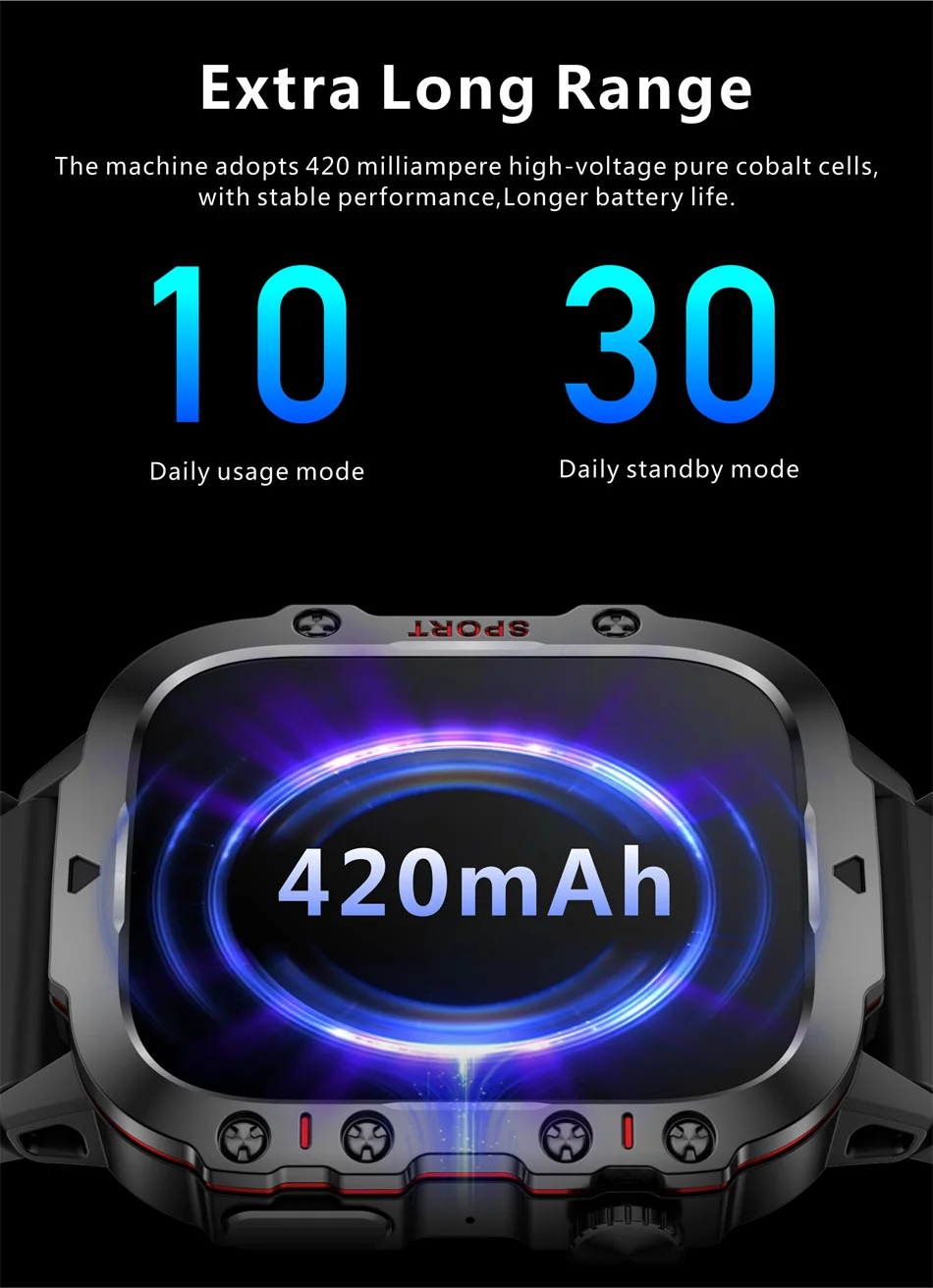
Capacité de la batterie : 420 mAh
Autonomie en fonctionnement : 7 à 10 jours
Autonomie en veille : environ 50 jours
Boutons : 2 boutons avec encodeur
Systèmes pris en charge : Android 4.4 ou supérieur, IOS 9.0 ou supérieur, Apple 5S ou supérieur
Fonctions de la montre :
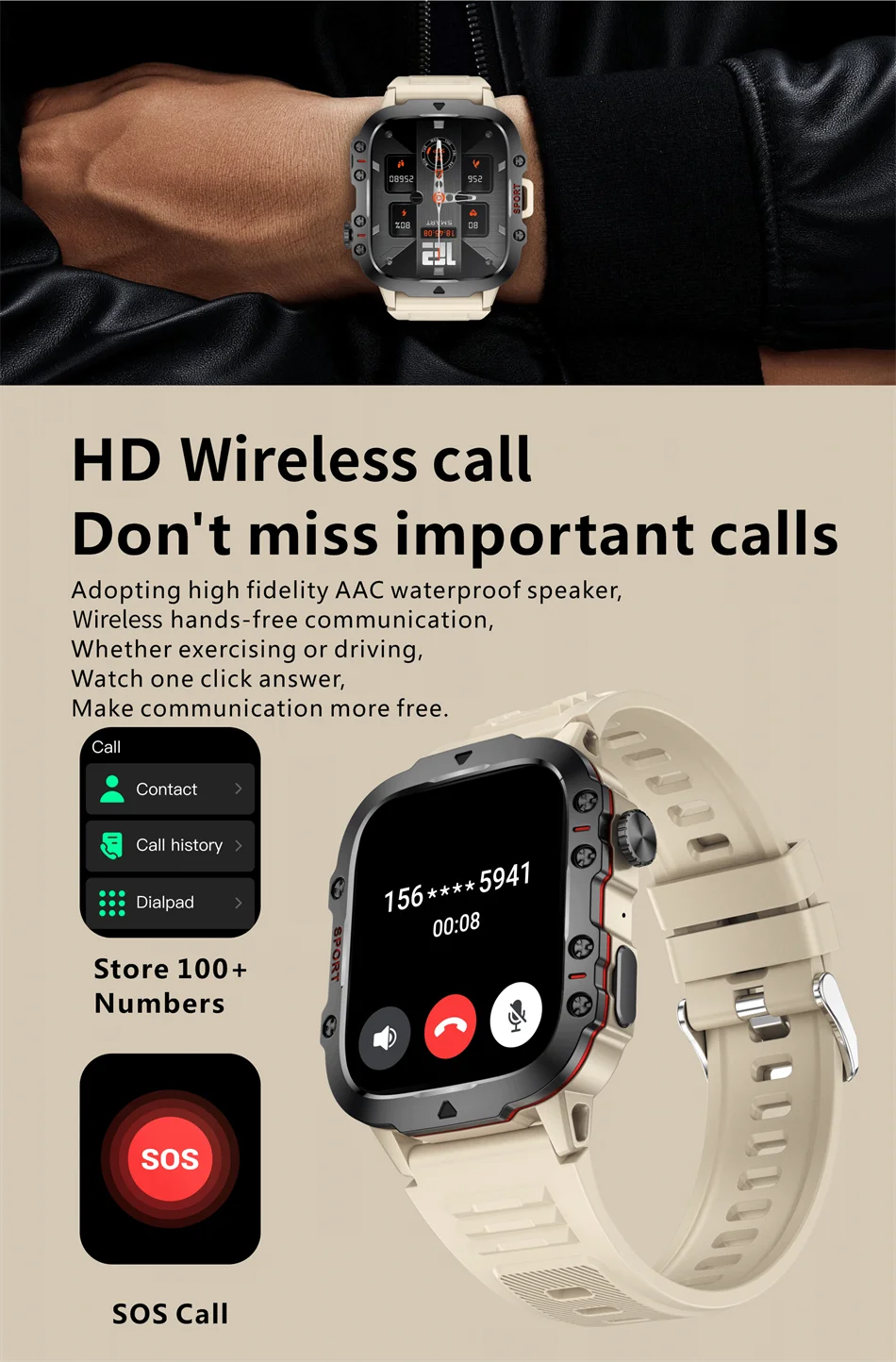
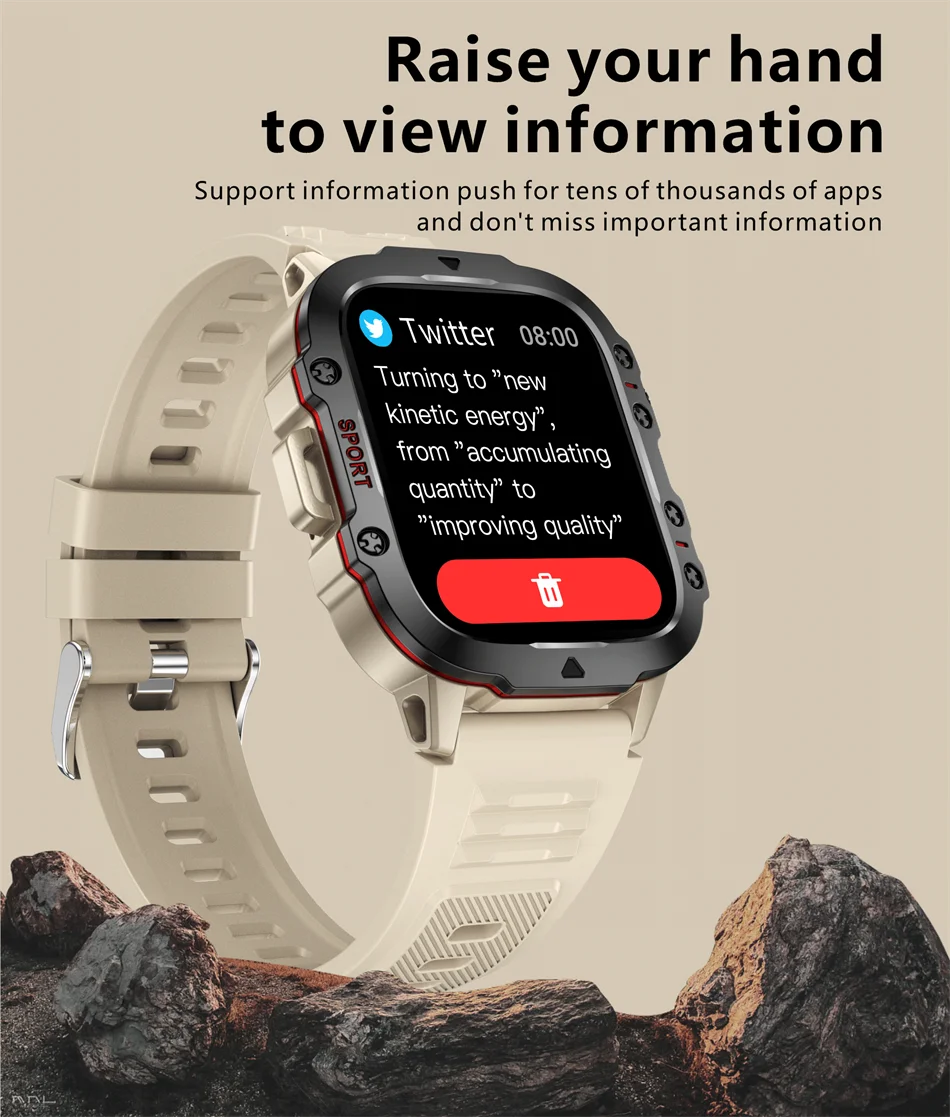
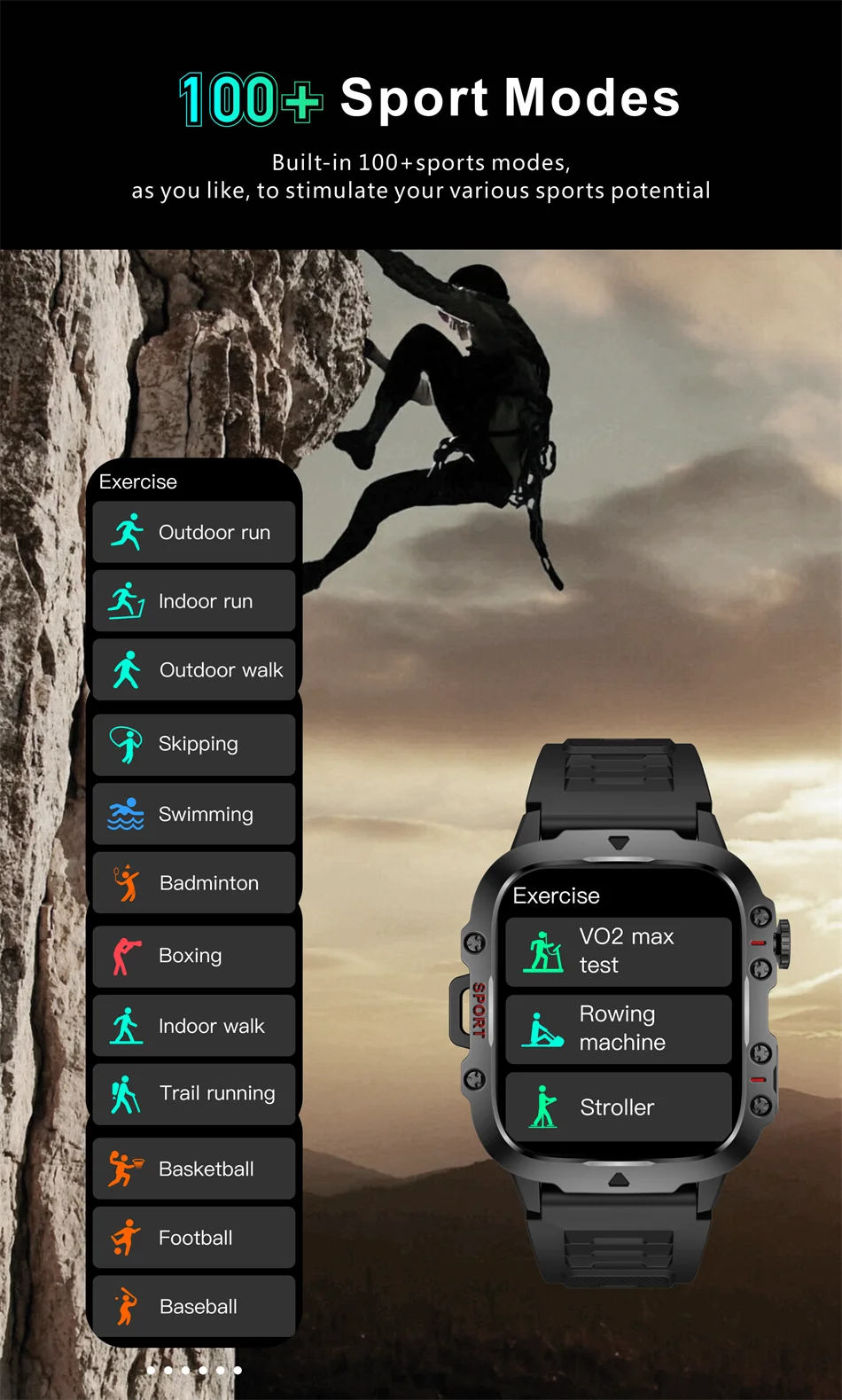
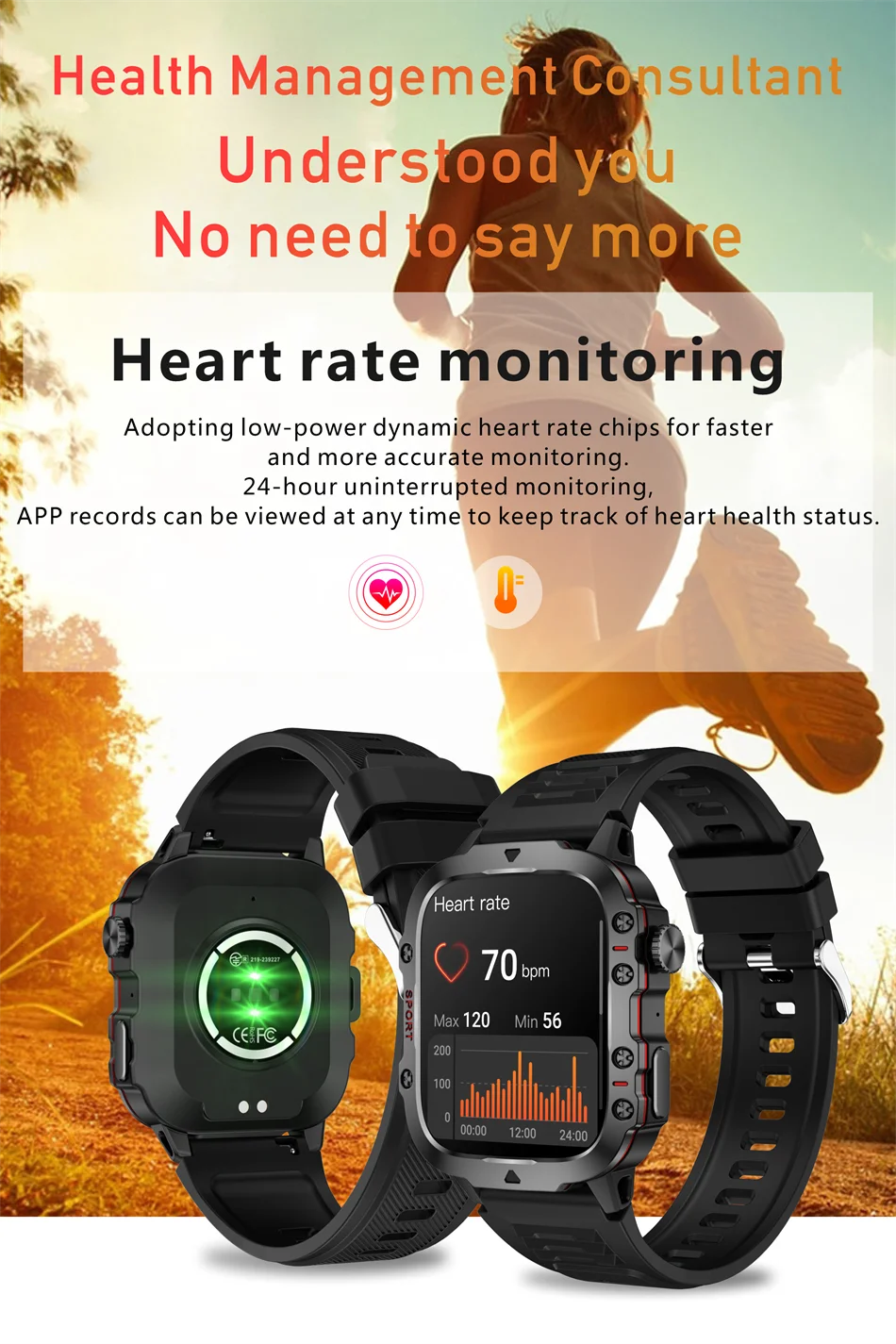
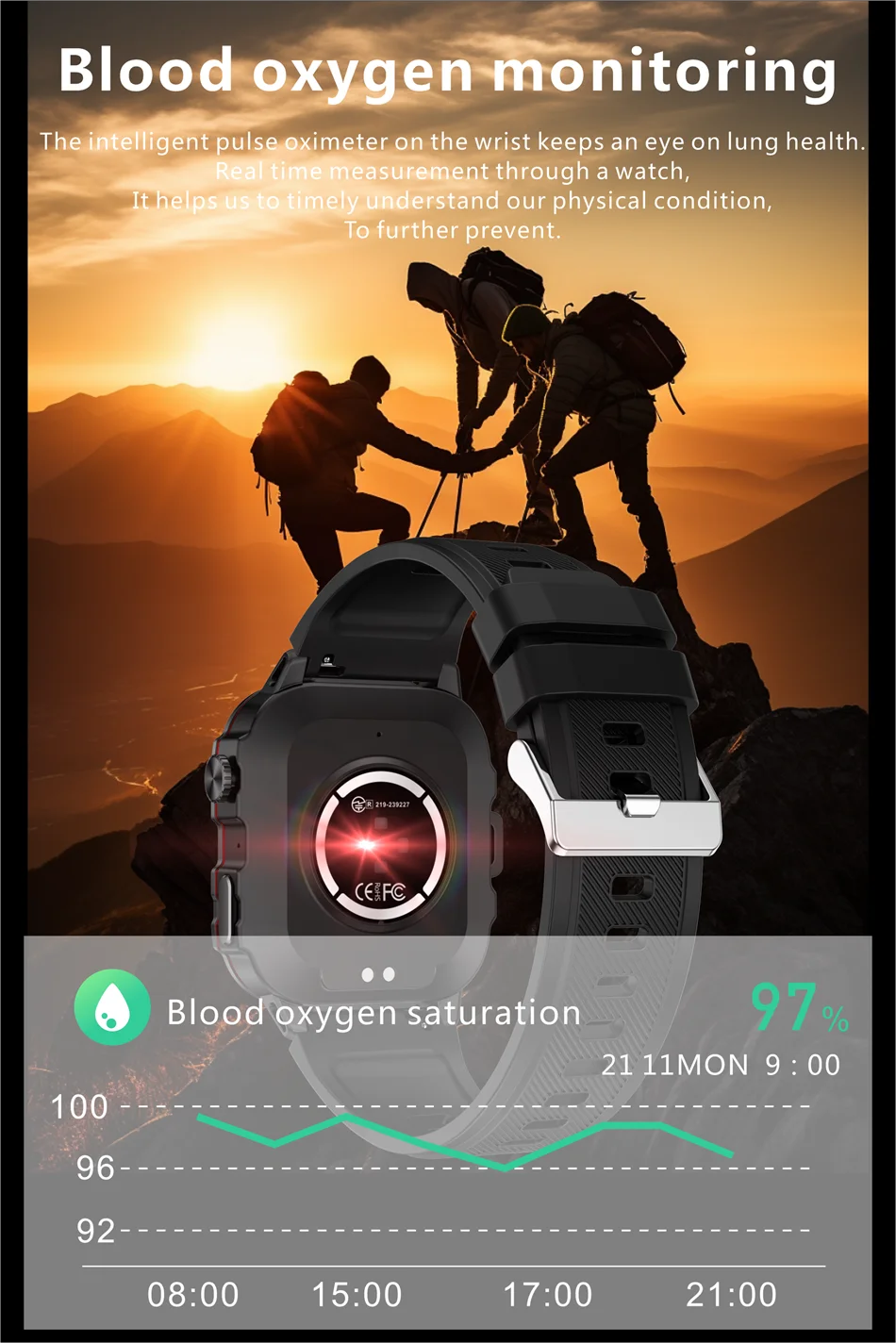
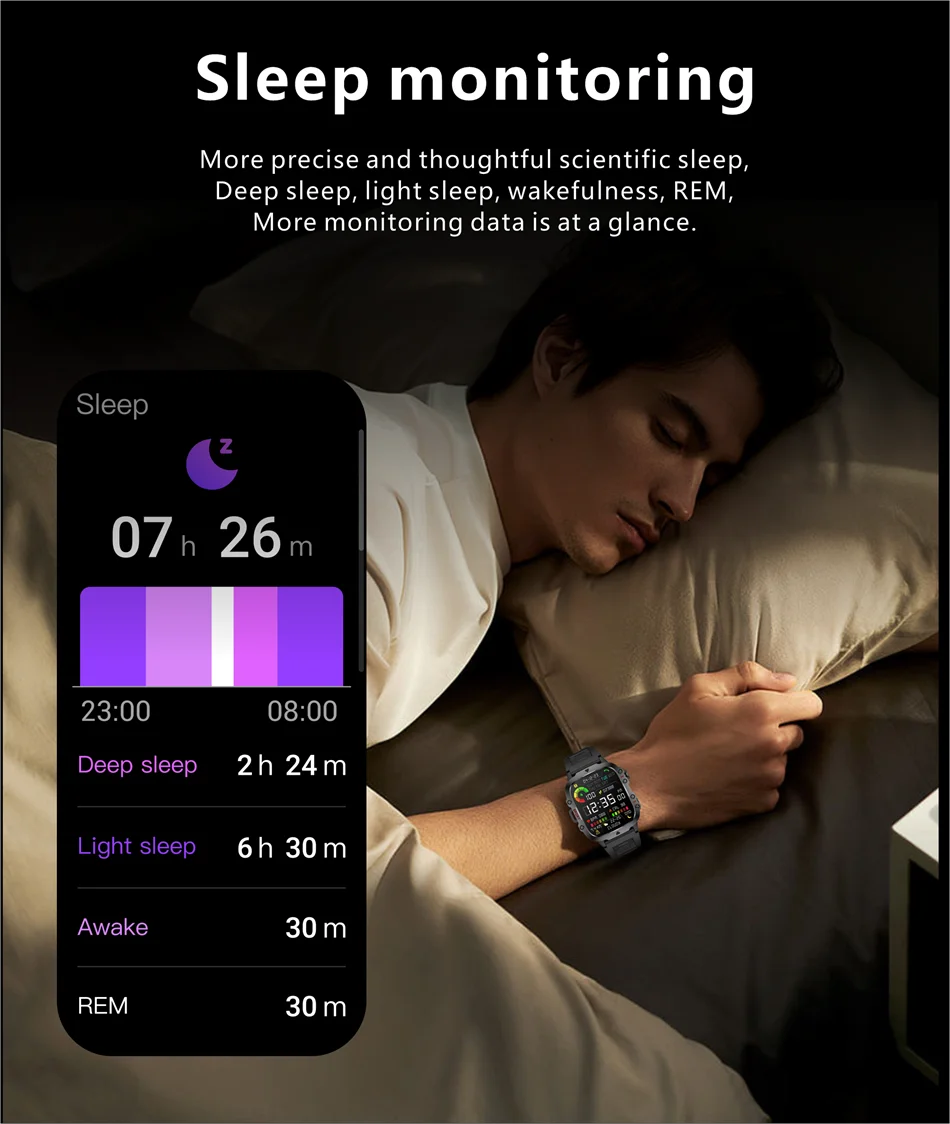
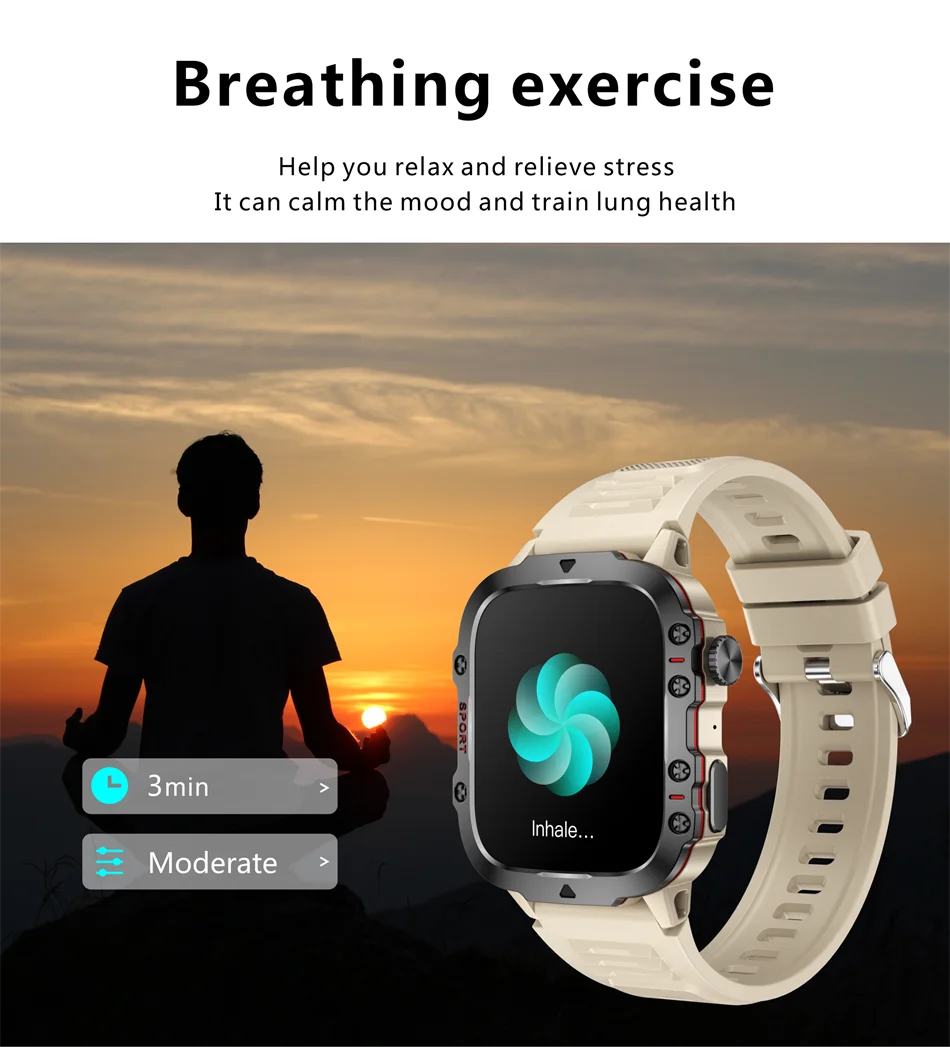
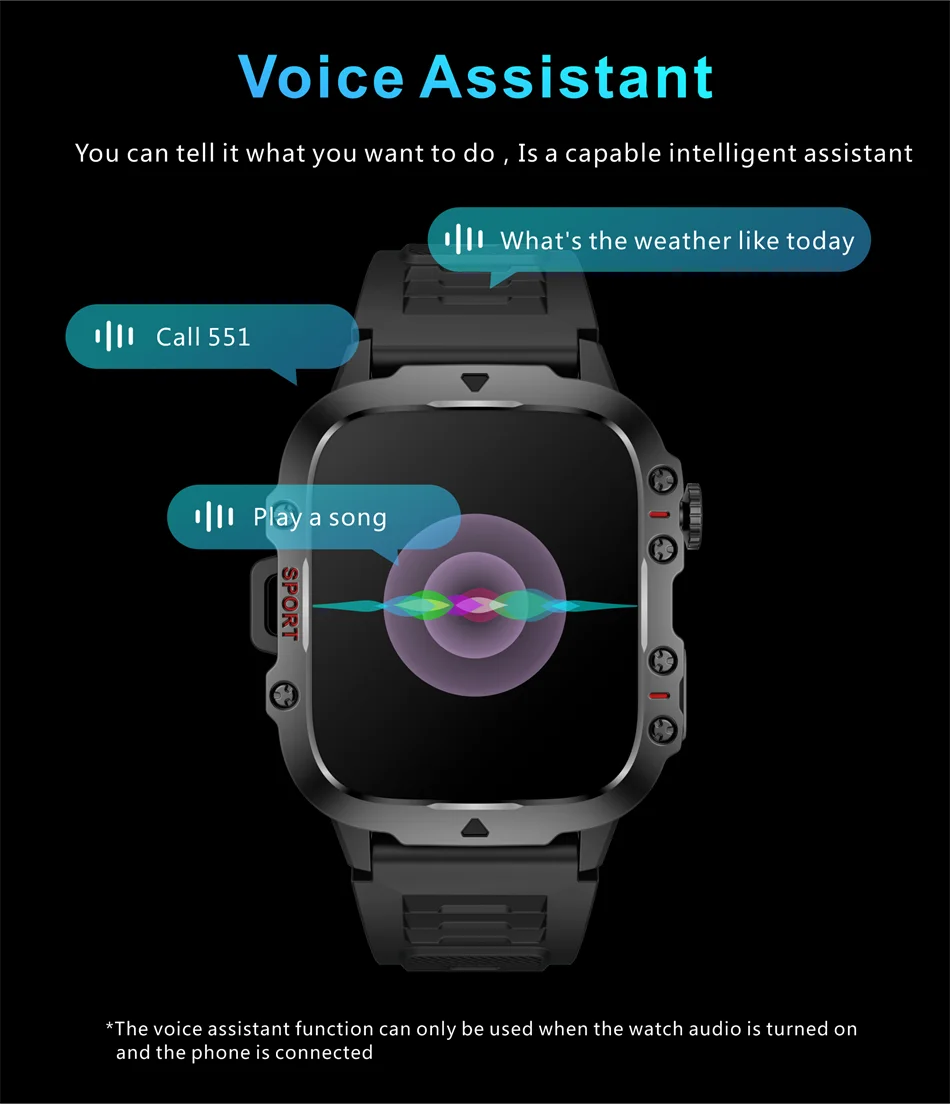
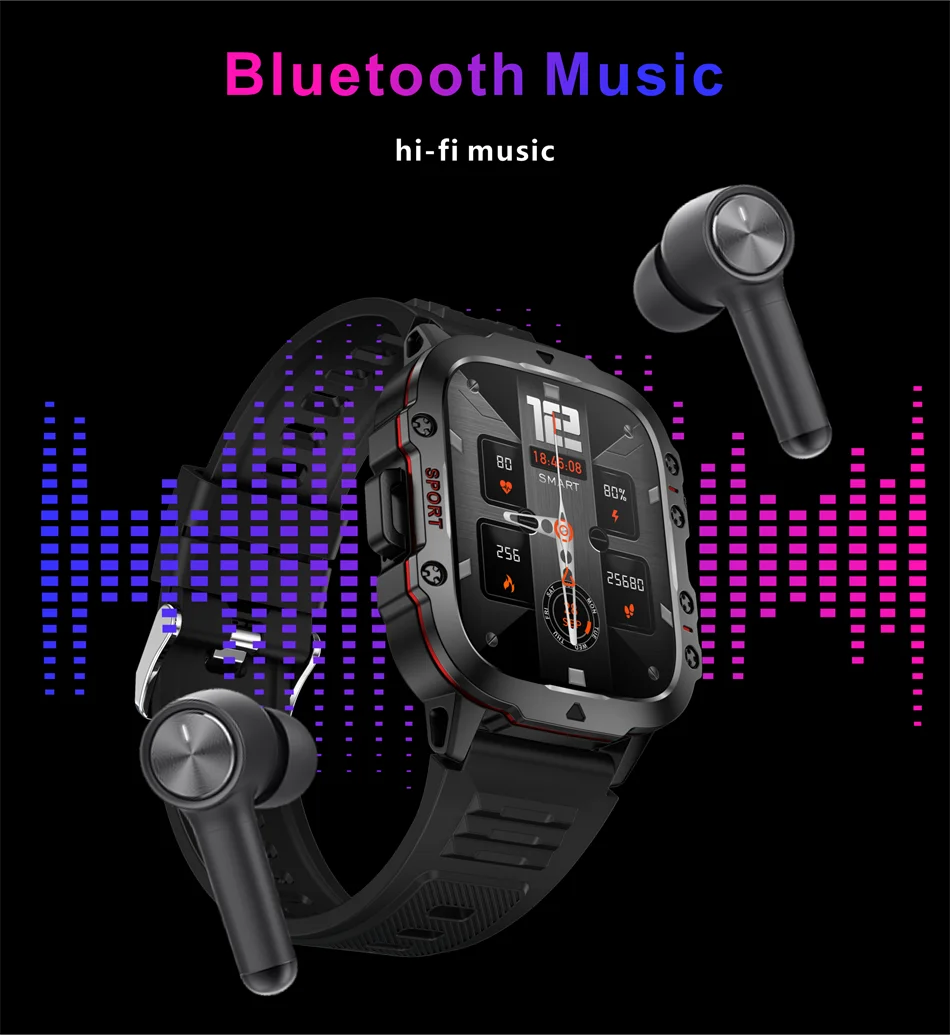
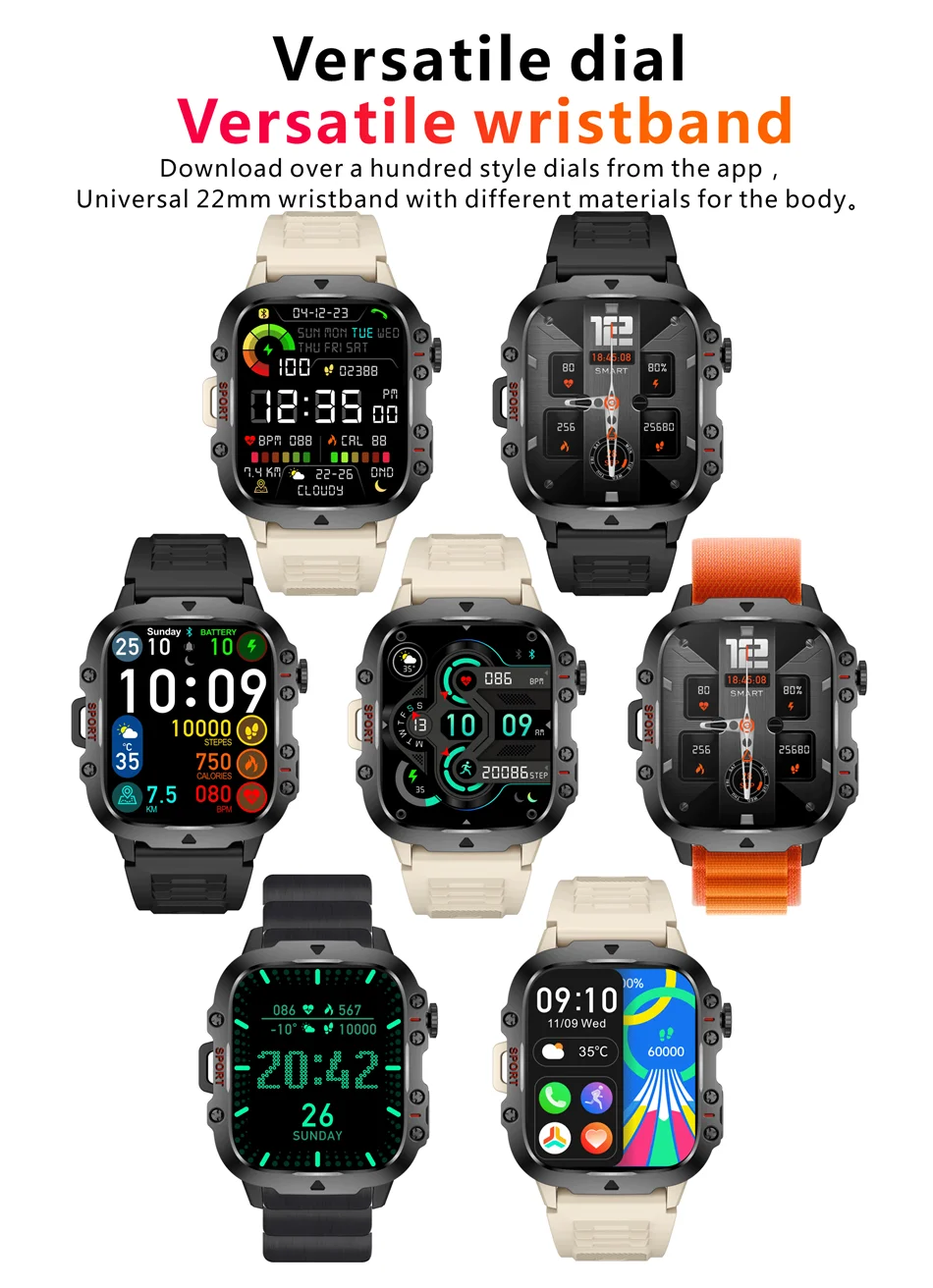
Fréquence cardiaque continue, connexion en un clic, appels Bluetooth, saturation réelle en oxygène dans le sang, surveillance de la pression artérielle, surveillance du sommeil, réglage de la luminosité, entraînement respiratoire, assistant vocal, levée des mains et de l'écran, push d'informations, rappel de messages APP, plus de 100 modes sportifs, prévisions météo, lampe de poche, affichage de l'heure, réveil, mini-jeu SOS, calculatrice, cycle menstruel féminin, lecture de musique, cadran multifonction, fond d'écran personnalisé, rappel de sédentarité, mode « ne pas déranger », recherche de bracelet, appareil photo à distance, comptage de pas, distance, calories, et plus encore
Langues :
Langues de la montre : chinois, anglais, coréen, japonais, allemand, espagnol, français, italien, portugais, arabe, polonais, russe, indonésien, turc, néerlandais, tchèque, chinois traditionnel, vietnamien
Langues de l'application : ukrainien, russe, indonésien, turc, hébreu, allemand, italien, tchèque, slovaque, japonais, français, polonais, thaï, chinois simplifié, chinois traditionnel, roumain, anglais, portugais, mongol, espagnol, vietnamien, arabe, coréen
Liste de colisage :
Montre intelligente*1
Manuel d'utilisation*1
Boîte de vente au détail d'origine*1
Câble de recharge

Q&A
【1】Q: Does the watch have a call reminder message reminder function?
Answer: After connecting the watch to the mobile application, the watch will display information reminders and call reminders
【2】Q:What application is used when connecting to a smart phone?
A:The app is designed by the supplier. You can scan the QR code on the package or manual to download it when you get the item.
A:The app is designed by the supplier. You can scan the QR code on the package or manual to download it when you get the item.
【3】Q:Why does the pedometer not count steps when I have already started walking?
A:To reduce errors, smart watch usually sets an initial value of 10, it will count steps when we walk more than 10 steps. The APP will show the real walking steps and start counting from step 10.
【4】Q:Why the device cannot boot or start up properly?
A:Please charge your new device for at least 10 minutes or more before the first usage, this ensures normal device boot and optimal operation. For devices with removable batteries, ensure they are properly installed before charging.
A:Please charge your new device for at least 10 minutes or more before the first usage, this ensures normal device boot and optimal operation. For devices with removable batteries, ensure they are properly installed before charging.
【5】Q: Can not find device when pairing device?
A:Please make sure the distance between phone and device less than 0.5m, Please make sure the device is not under low battery. if there is still problem after 1.5 hours charging,Please contact us.
【6】Q:Can not connect the device with app?
A:Some smart phone bluetooth service will be abnormal when reboot.Please reboot the smart phone for pairing device.
A:Some smart phone bluetooth service will be abnormal when reboot.Please reboot the smart phone for pairing device.
【7】Q:Why the android mobile disconnect?
A:Android mobile phone system memory management will be forced to turn off the background app,you need to turn off the power saving mode or pull the app into the system housekeeping green background inside,app will not be forced to close.app must be running in the background, bluetooth will not automatically disconnect.
【8】Q: Why couldn’t I connect the Bluetooth?
A:1.Please download the app firstly
2. Search Bluetooth name on your APP and then connect it.
3. You can see request to connect on the phone, click “pair.
If you had connected the Bluetooth before, please clear all your phone's Bluetooth devices.
Notes: Although the bracelet can monitor your heart rate, it cannot be used for any medical purpose,it is only to help people live a healthier life.All measurements results are for reference only.They are based on scientific algorithms and sensors.So please don't compare them to medical devices,we appreciate your understanding.